Open Positions is a list of currently opened trades that you received alerts for, it displays ALL OPENED positions at the time.
Where to find Open Positions:
-
Sign In into 2MOON App https://app.2moon.ai/dashboard
-
Click Alerts
-
Click Open Positions
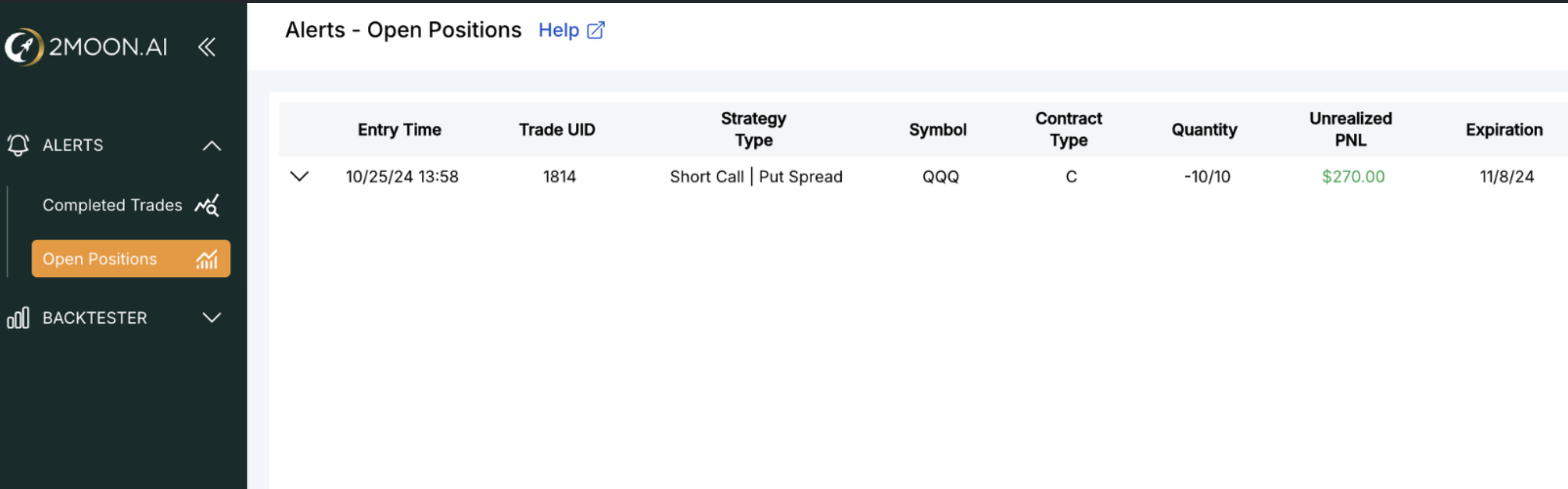
You will see following data columns:
-
Entry time - time when you, supposedly, entered a trade (the time, when you 2MOON sent you an alert)
-
Trade UID - Unique trade ID
-
Strategy Type - Long Call/Put, Long Call/Put spread
-
Symbol - Ticker
-
Contract type: C - call, P - put
-
Quantity: amount of contracts
-
Unrealized PnL: refers to the potential profit or loss of an open position that has not yet been closed or settled
-
Strike prices
-
Time in Trade - duration a position is held from entry to exit in a trade